

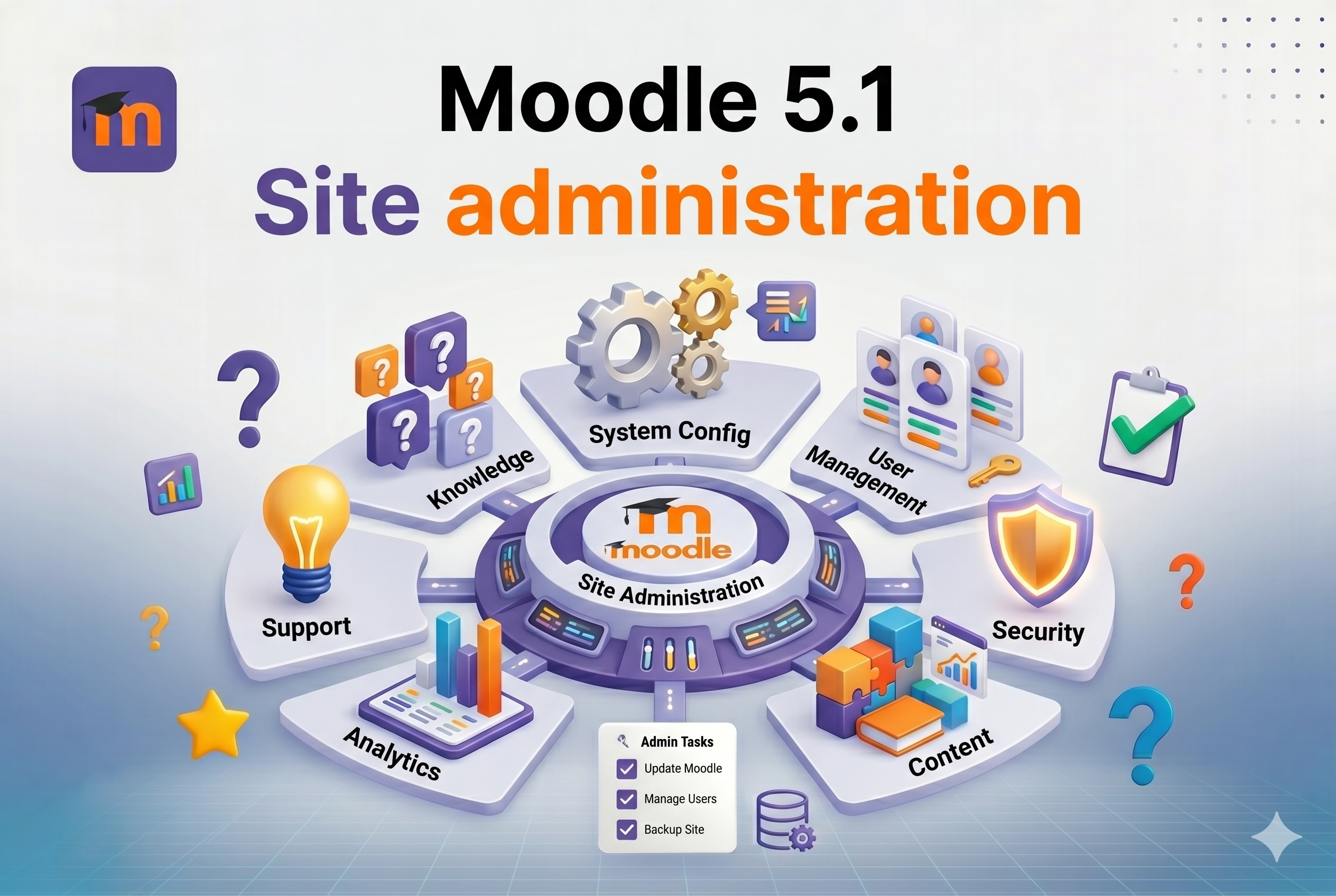
Course Outline: Moodle 5.1 Site Administration for Beginners
Section 1: Introduction to Moodle5.1 [1 hour]
-
Understanding the Role of a Moodle Administrator
Section 2: Requirements Analysis [1 hour]
Section 3: Course Creation Fundamentals [2 hours]
-
Tools and Resources for Course Development
-
Publishing and Managing Course Visibility
Section 4: Managing Users, Groups, and Cohorts [1.5 hours]
-
User Management Techniques in Moodle5.1
-
Setting Up Personalized Learning Journeys
Section 5: Navigating Moodle5.1 Features [1.5 hours]
-
When to Utilize Specific Tools and Features
-
Limitations and Cautions in Feature Use
-
Integration with External Tools and Services
Section 6: Effective Use of Quizzes [1 hour]
-
Exploring Interactive Content Options
Section 7: Final Review
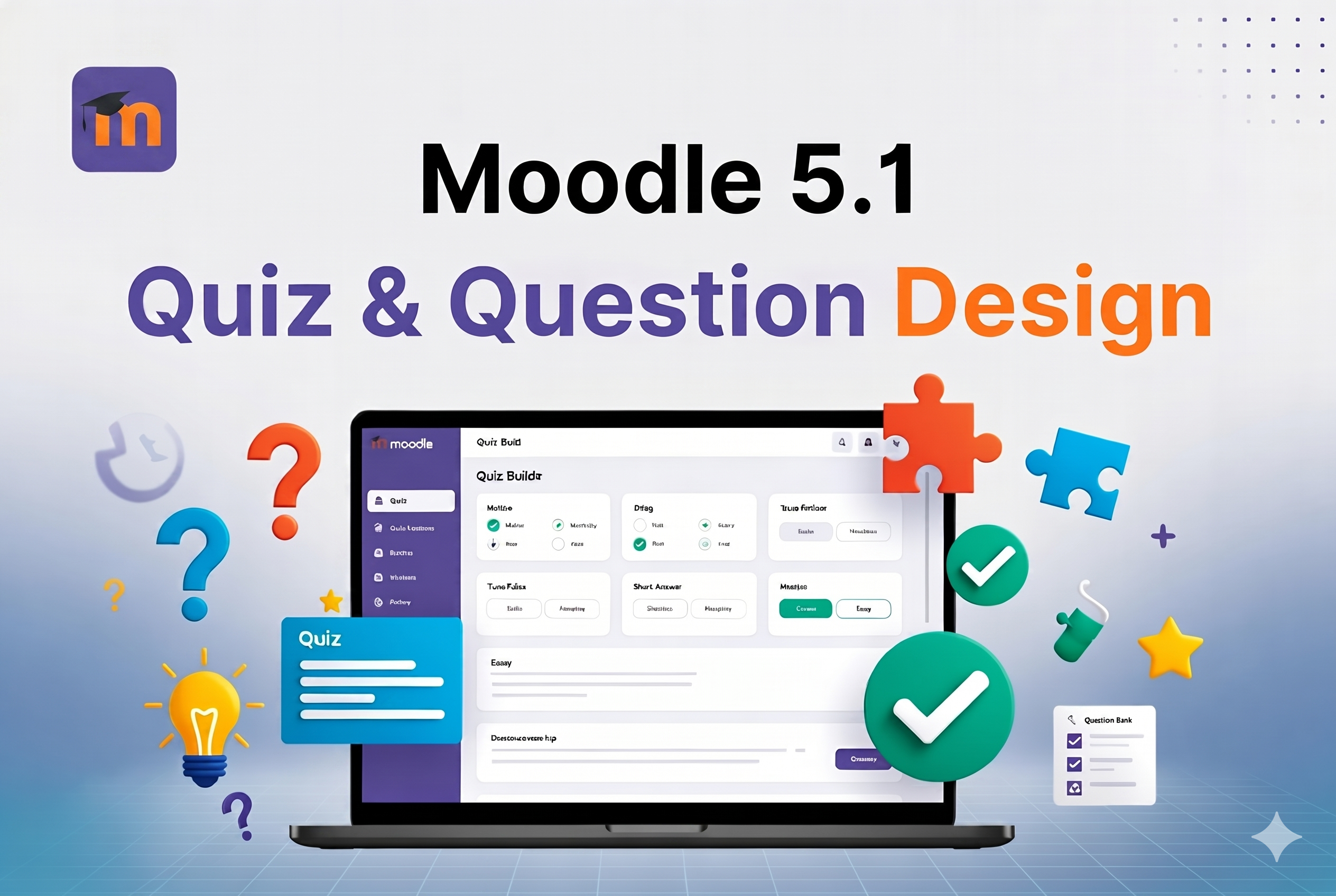
Practical 3-hour training for L&D teams and corporate trainers.
Learn how to build quizzes that don’t just test knowledge — they actually drive learning, boost engagement, and deliver measurable results in employee training programs.
This hands-on workshop follows the latest industry standards (Haladyna guidelines + NBME templates) and takes full advantage of Moodle 5.1’s improved Question Bank and analytics.
What you will learn:
- Write clear learning objectives and create professional test blueprints using Bloom’s Taxonomy
- Craft flawless question stems and highly plausible distractors
- Use every Moodle 5.1 question type effectively (including advanced and eclectic formats)
- Configure instant feedback, gamification, badges, and adaptive quiz strategies
- Analyse quiz data and continuously improve your assessments for better ROI
Duration: 3 hours (6 × 30-minute modules)
Format: Live + hands-on in your own Moodle 5.1 environment
Target audience: Training managers, instructional designers, HR/L&D professionals, and Moodle administrators
By the end of this course you will be able to design, build, and optimise high-quality quizzes that make your employee training more effective and engaging — starting the very next day.
Self-enrolment is open — click “Enrol me” below to get started immediately.
